Try Perch & Coop — no radio required.
Both simulations replay a real capture from the St. Louis Meshtastic mesh (171 nodes on a spring afternoon). Everything is interactive; nothing you do here touches a real radio.
The dashboard — what you look at
 Perch
Perch
The command center. A fast dashboard for your whole mesh:
- Chat with tapback reactions and delivery tracking
- Live map — nodes, shared waypoints, breadcrumb trails
- Node intel: hardware, battery, environment, SNR trends
- Traceroute with per-hop signal strength, both directions
- Rearrangeable widget layout with tab presets
The engine — what does the work
 Coop
Coop
The daemon Perch talks to. It runs quietly and owns everything radio:
- Holds the radio link — USB serial, WiFi/TCP, or Bluetooth
- Decodes and decrypts every packet it hears
- Captures history to a SQLite file you keep
- Serves a clean REST + SSE API (Perch is just its best client)
- Optional MQTT observer for community meshes
A look at the desktop app
The demos above are the web dashboard and engine. On your own machine, Perch is a native app that also sets up and manages the radio — here's what that looks like.
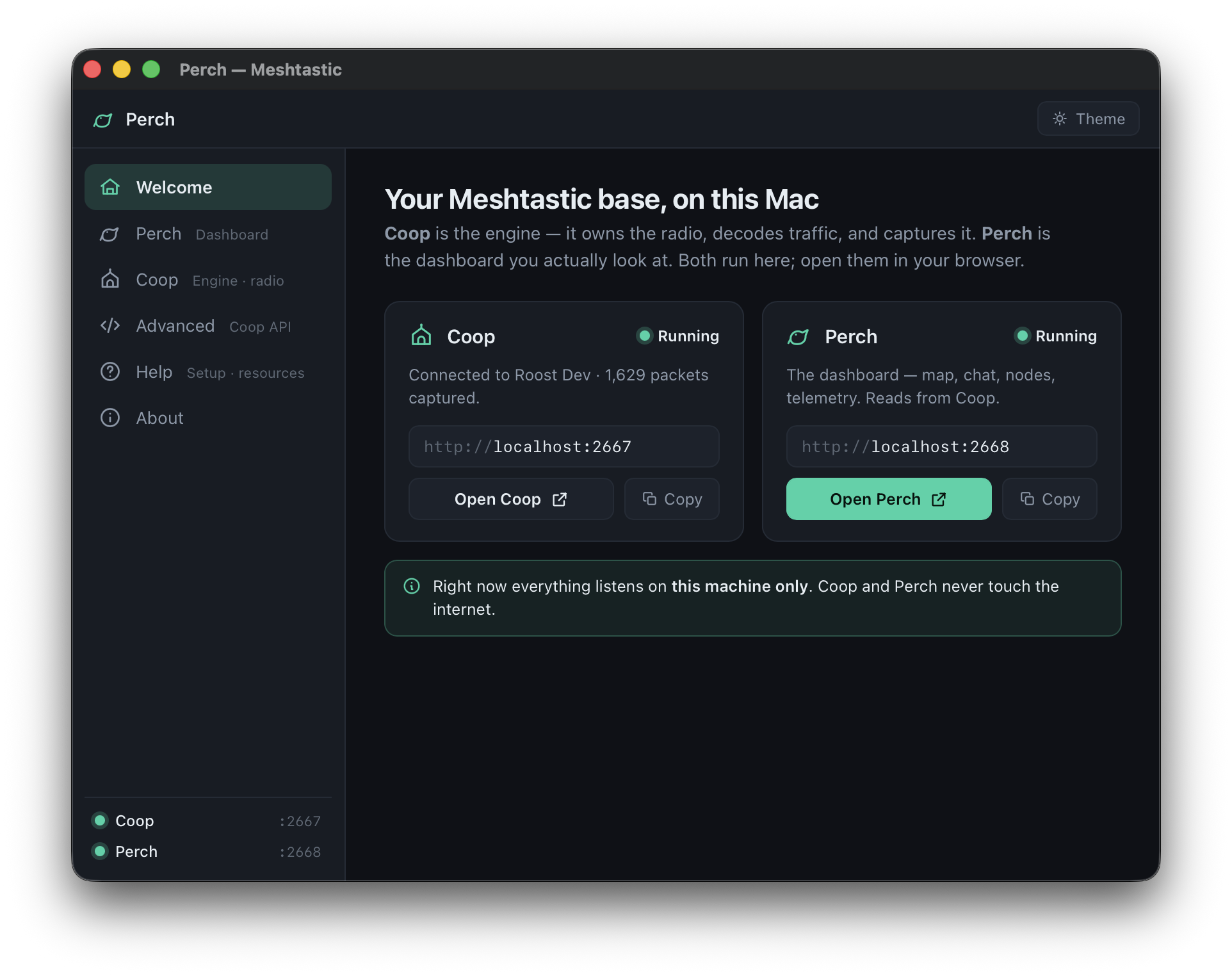
Welcome — Coop & Perch running locally, nothing on the internet
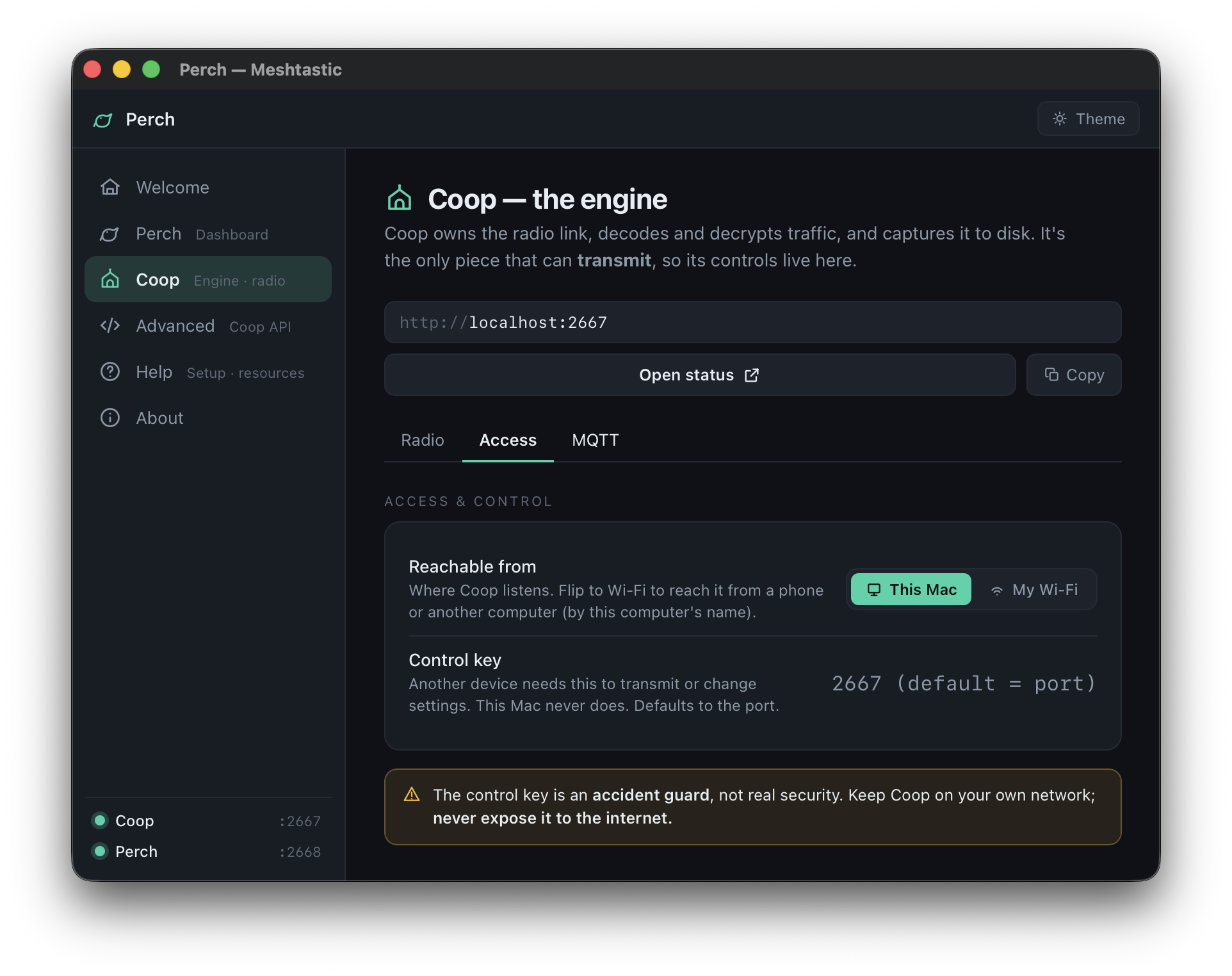
Coop · radio — connected radio, region, firmware, GPS-ready status
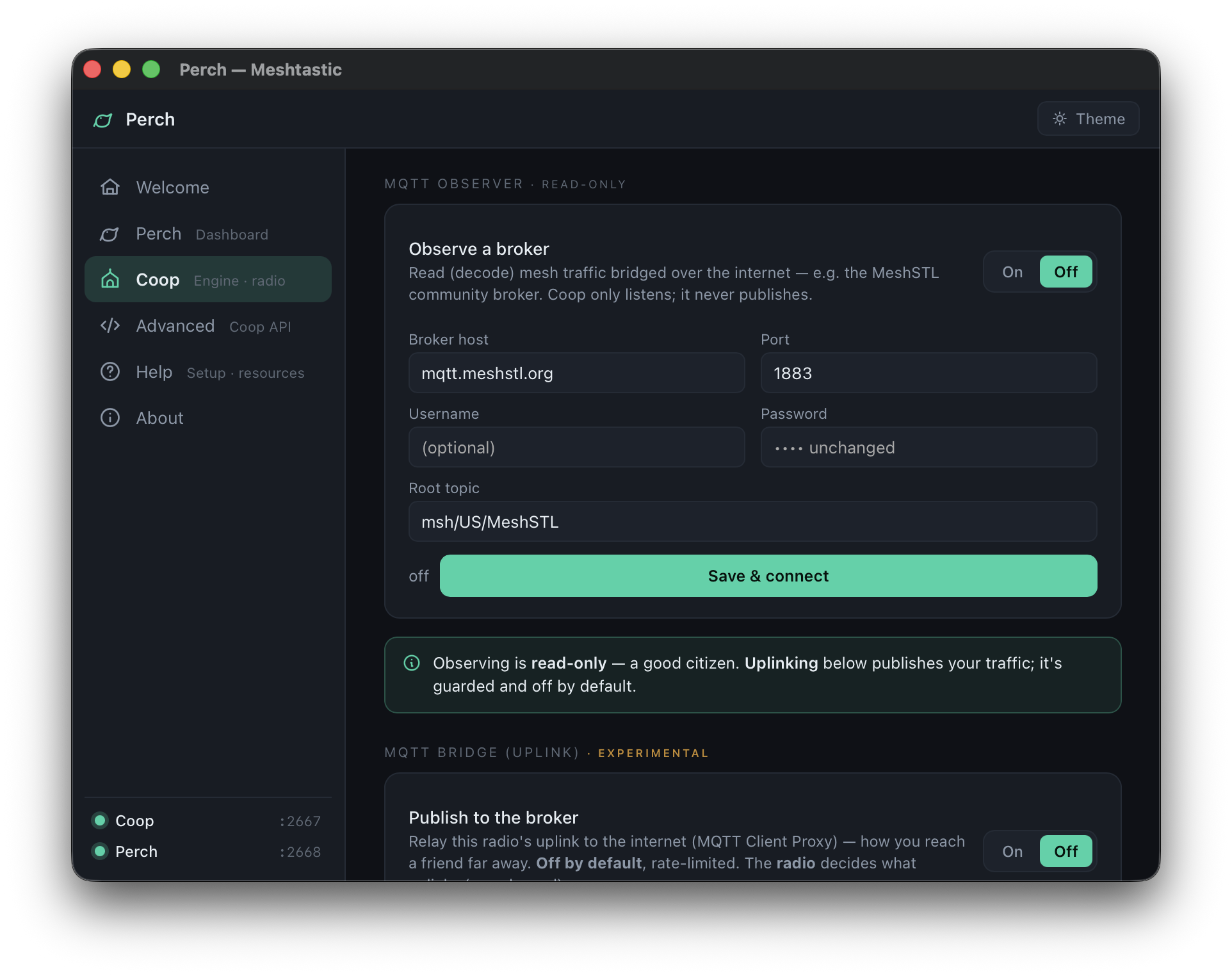
MQTT observer — read-only, hears the whole region, adds nothing
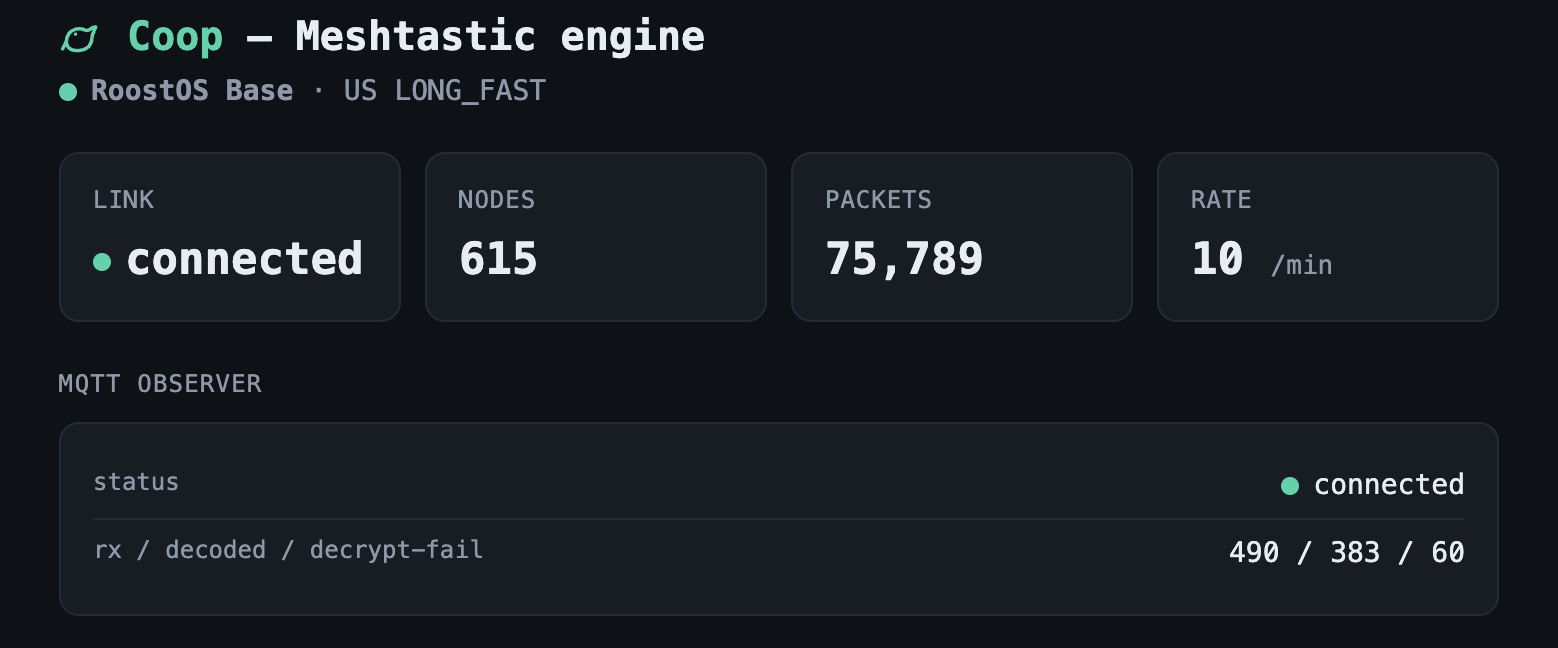
Coop status — link, MQTT, and capture counters at a glance
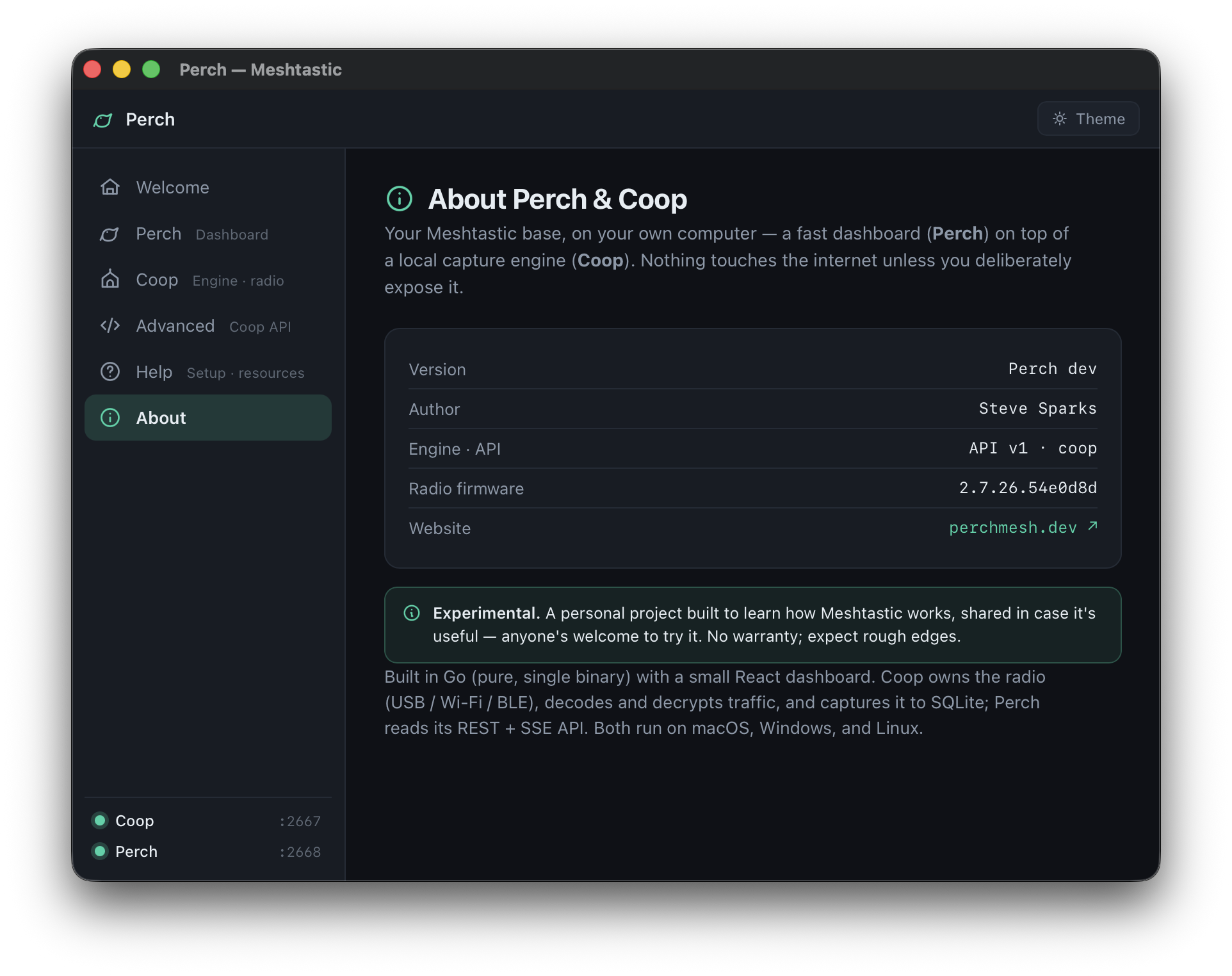
About — experimental, yours, offline unless you say otherwise
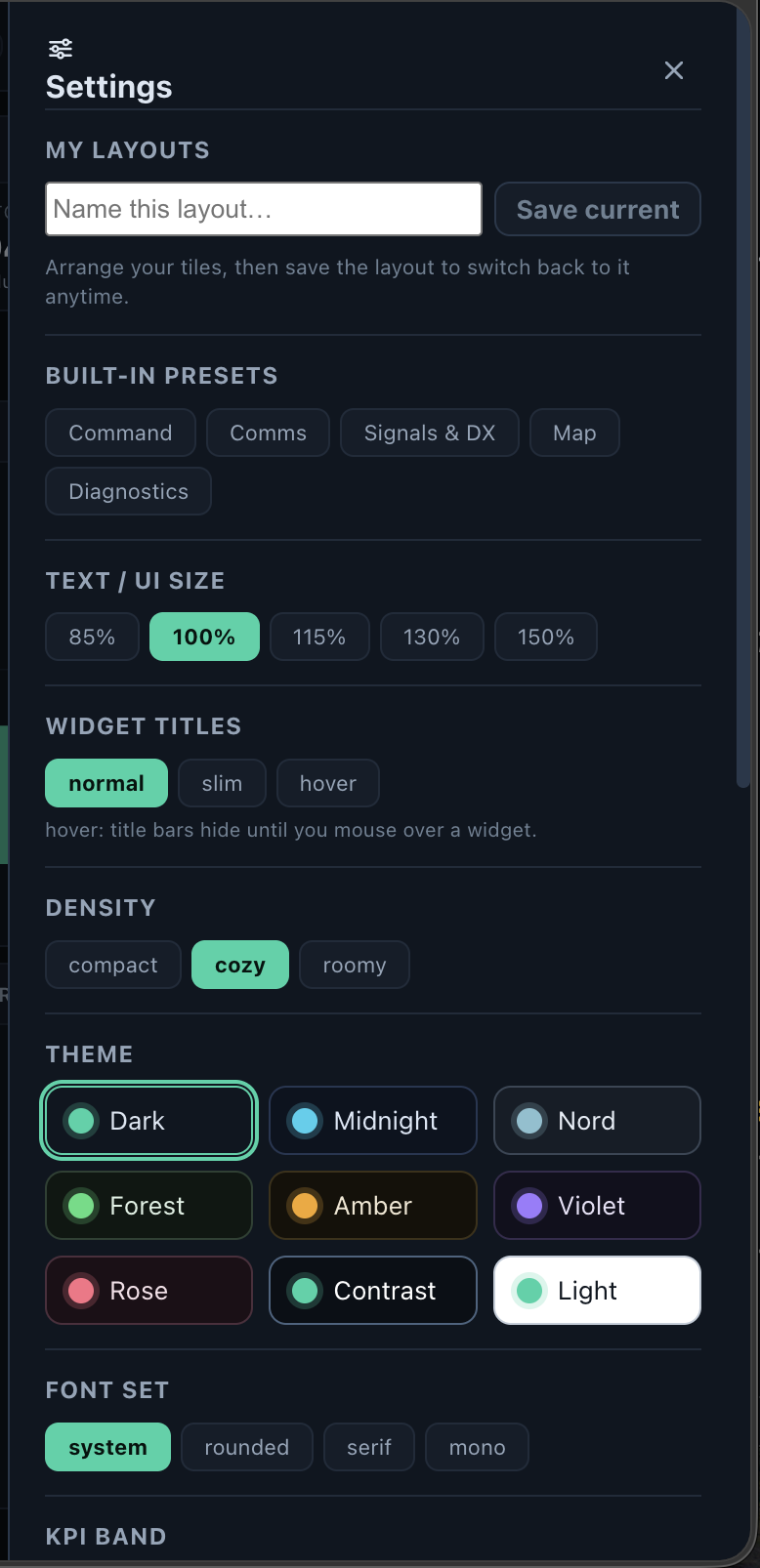
Make it yours — themes, presets, density & saved layouts
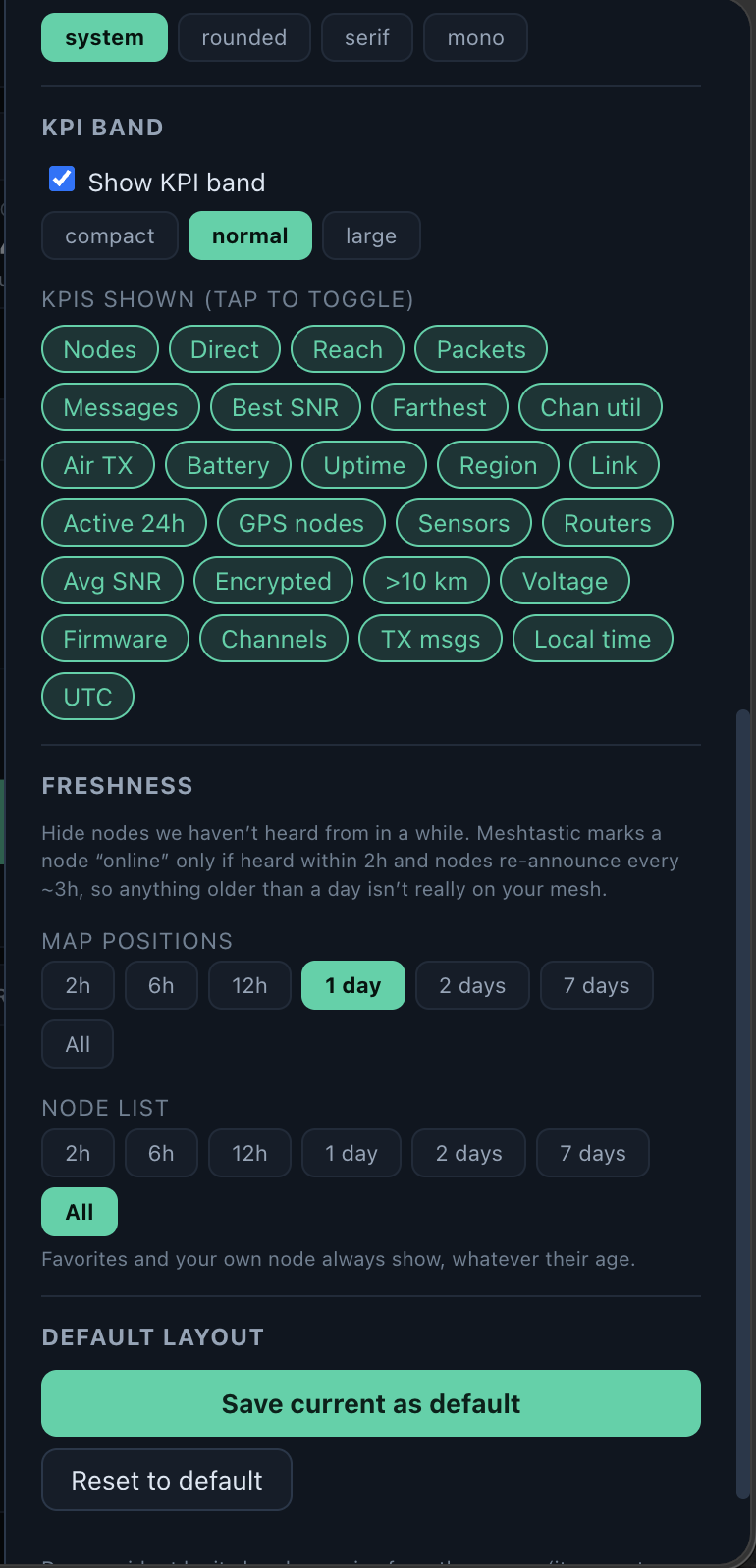
KPI band — pick exactly which stats you track up top
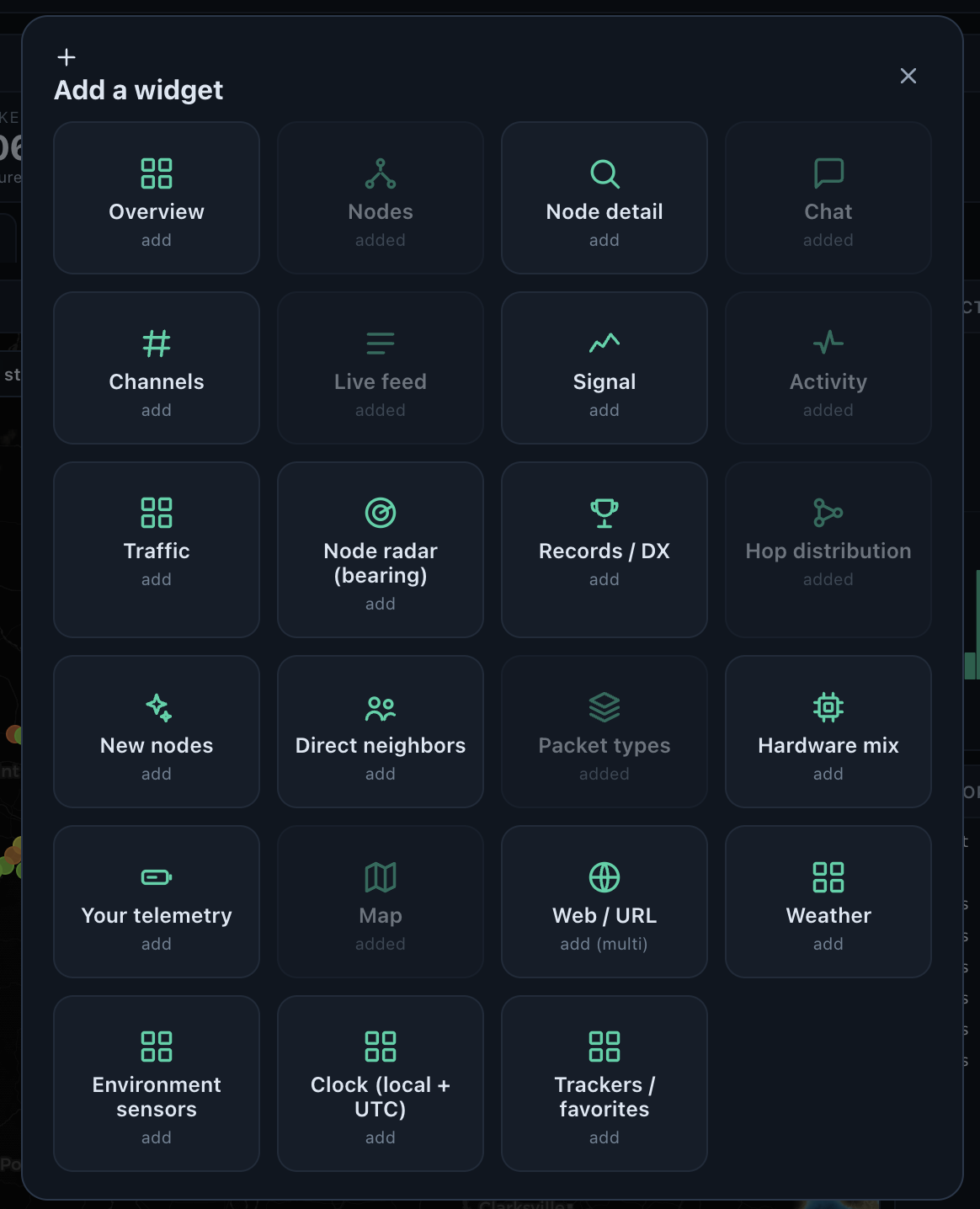
Add widgets — a whole catalog, arrange them your way
Ready for the real thing? perchmesh.dev has the full story — what to buy (a $40 radio kit), how to set it up, and every detail in between. Free, signed builds, no accounts, no cloud.